Home Features About Documentation Download FAQ

Engineered for the impossible.

Deep introspection tools that vanilla Unreal simply cannot do. Discover the features that make DrDebug the ultimate look-dev suite.

The Split-Screen Scalpel

Buttery-smooth, draggable split-screen viewport UI. Custom C++ Material Node bypasses Blueprint Virtual Machine, delivering zero-latency hardware-cursor slider.

Zero-latency Slider
Works for All Debug Modes
Works with Multiple viewports
RGB Waveform & Histogram

Super performant realtime RGB Histogram & Waveform modes that even work with Raytracing & give 100% accurate results the moment your scene blinks.

Split R G B Channels or Keep them In one
Resolution Slider & Density Slider on Waveform
Can expand to viewport

Live Reads & Customization

Real-time on-screen readouts & customization of data visualization using ramps.

False Color & RGB Parade
RGB Histogram
Precise EV Debugging

The "Impossible" Decal Debugger

Since 5.5 Decal Buffers Kind of Impossible to access & Debug, DrDebug Solves that with a Global C++ render-state hijack dynamically isolates environment.

Compare Decal vs Mesh Normals
Diagnose broken tangent spaces
Read all channels at the same time

Render Diagnostics Arsenal

Instant access to critical rendering debuggers without digging through console commands & or engine menus, forgetting to turn them off, making a mess in your project DrDebug takes good care of that.

Trace & Profile Performance
RayTracing Debugging
True VRAM Reading in Realtime & More

"Monkey-Dev Prediction"

Engineered to survive the most chaotic development environments. Failsafes prevent editor crashes and UI lockups, immune to screen resolution changes like having two monitors with different resolutions, Try to break it, be my guest!

Dynamic Boundary
Screen Size never break it stays as it is
Built with a mindset of trying to break it as much as possible
Clean, optimized digital processor environment

PBR Checker

You always want a PBR Checker that stays visible next to what you're seeing, DrDebug offers that as well as stopping that and keeping it on a specific place.

Switch visible on all modes to follow or not follow the camera
Shows on Active Viewport When Following the camera to reduce distraction
Doesn't break when Using RMB+C/Z to change FOV

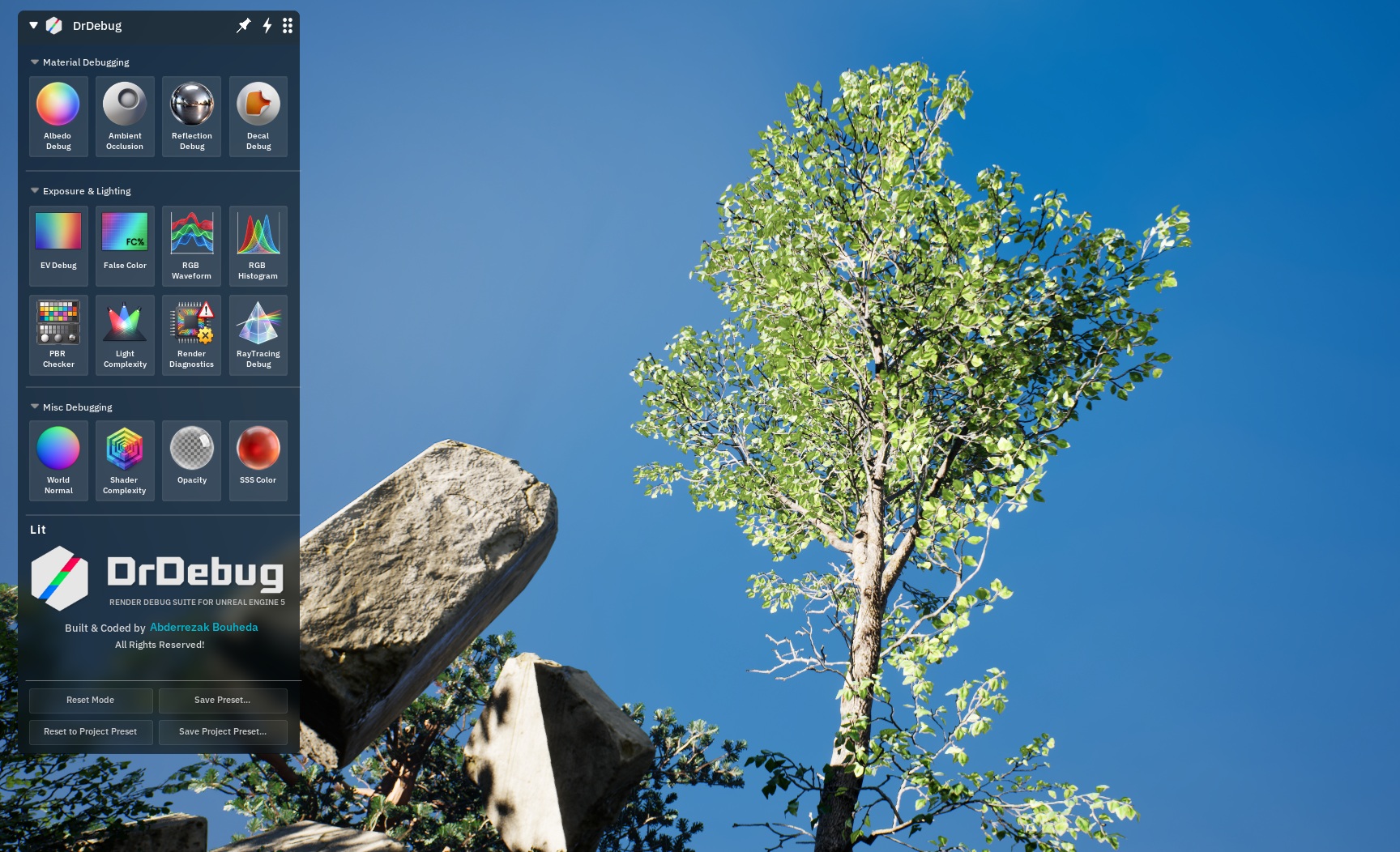
Flexible & Draggable Menu

DrDebug's UX built to not add to the user's stress & pressure, but to make it easier for the user

Draggable on Viewport
Expandable Lists
Smart to not get lost beyond the viewport

Multiple Viewport Support

DrDebug Supports multiple viewports, when you click on a viewport it teleports automatically debugs the active one, with the option to pin it to the favourite one, only DrDebug does this.

Split Screen Supported
PBR Chart Shows on active viewport when following camera
Draggable on all viewports

Per Project Preset

Each Project you have has different PBR Standards & ranges? DrDebug got you covered!

Per Project Preset
User Preset un-affected
Ability to Reset In Real-time

Per User Preset

A user can save their preset on any debug mode, with the ability to revert to project preset anytime in an instant

Save Any Debug Mode
Saves done on disk
Revert/Reset anytime

Performance mode

Performance Mode for the crazy unoptimized scences, nothing prevents you from investigating. Turn it on and it'll do the rest

Calculations happen only on movement
Disables None necessary features to optimize Performance
Doesn't affect visuals or readings